[Mobile Payments] Built-in reader configuration update alerts #8312
Conversation


The iPhone’s built in card reader may need to be configured before it can be used. In this case, Stripe will call our LocalMobileConnectionDelegate with progress of the configuration, in the same way as it does for bluetooth reader software updates.

This commit duplicates and updates the bluetooth reader software update alert for use with configuration updates.
 joshheald
added
type: task
joshheald
added
type: task

You can test the changes from this Pull Request by:
|

|
I followed the steps on an iPhone XS running iOS 15.5, but I didn't get the option to use Tap on iPhone. Also the modals had some styling that looked off in the learn more link and cancel button EDIT: I can't read and missed the part about enabling the experimental feature. Leaving this comment as the modals still look off
|

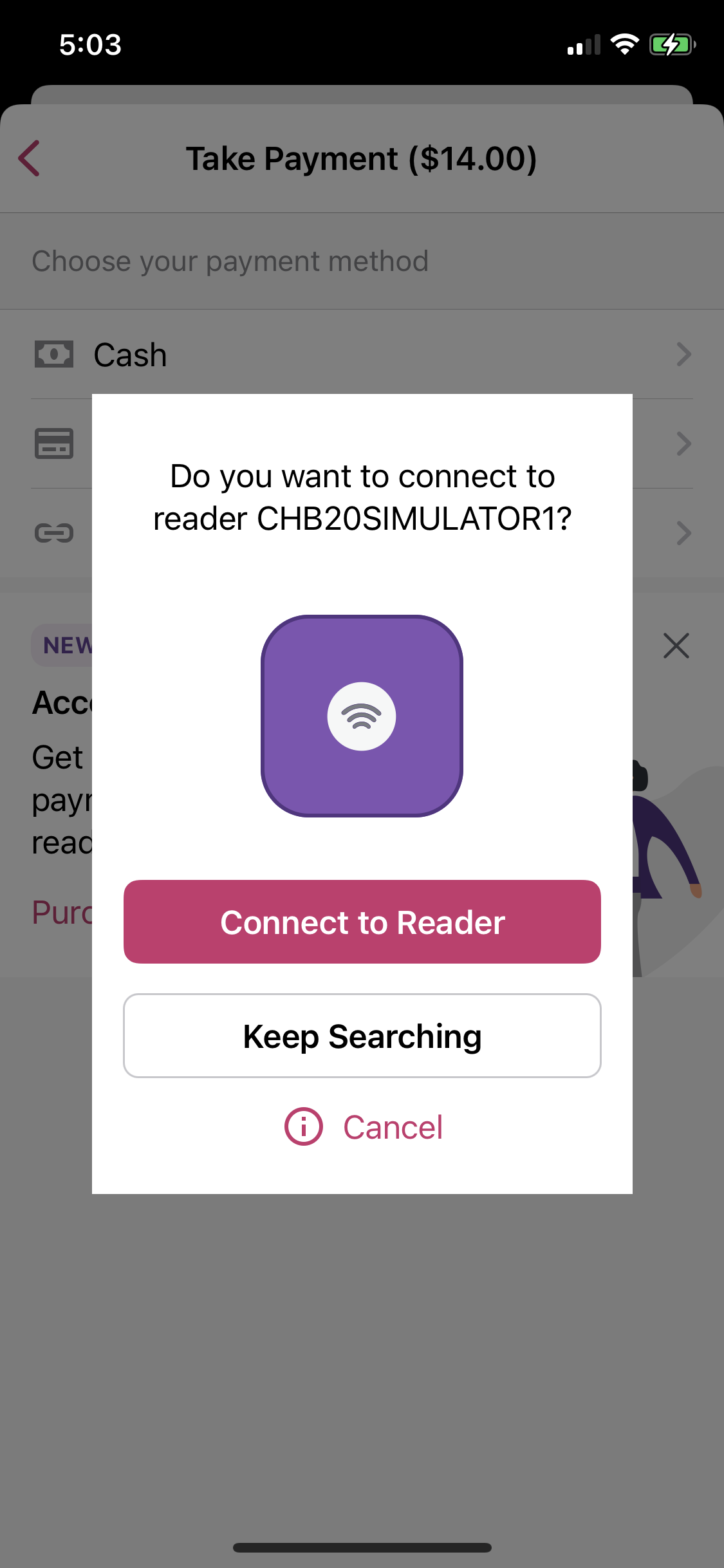
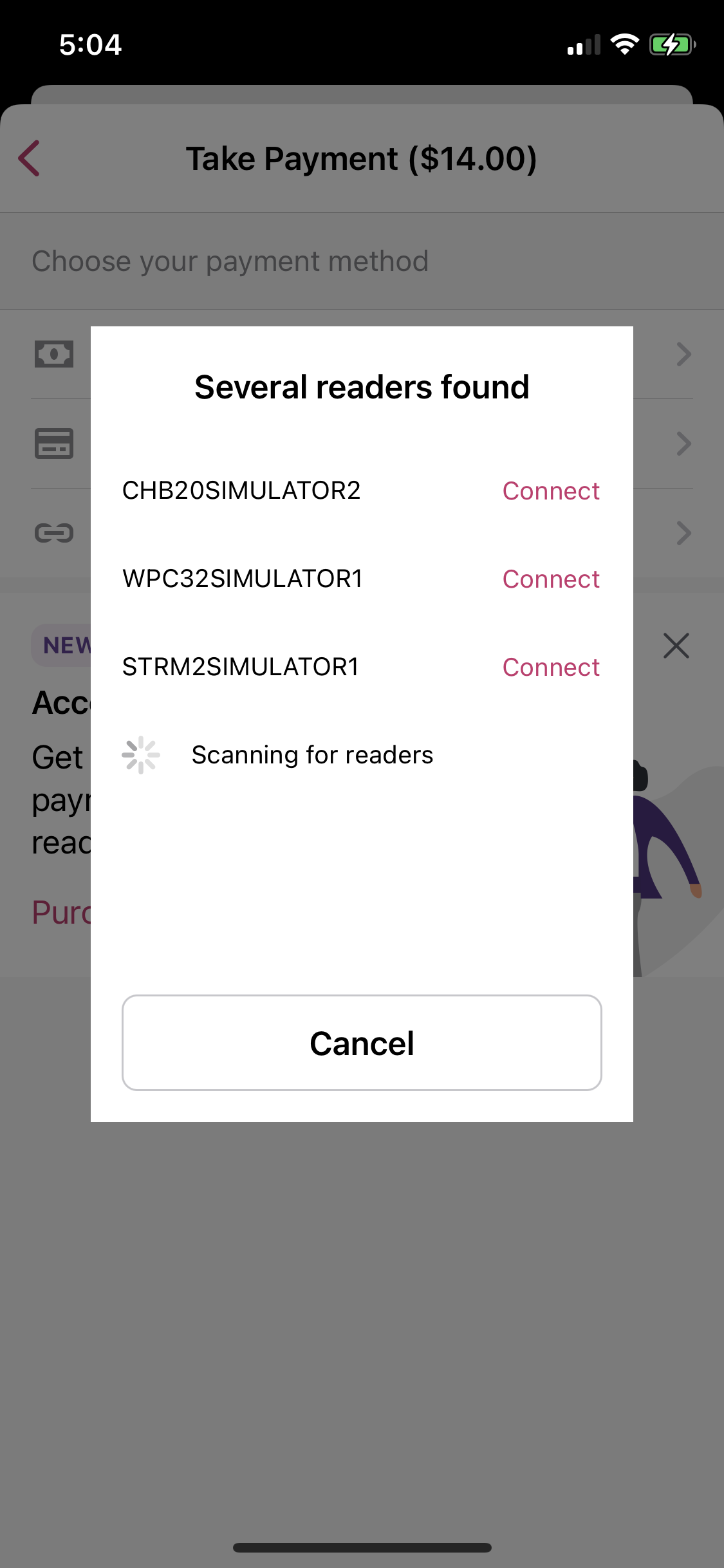
|
I'm now getting the following error using iPhone XS on iOS 15.5 (with a passcode set and signed in to iCloud), are you sure about the minimum requirements?
EDIT: The public docs mention iOS 16.0 as a requirement |

Hmm... I thought I took that requirement list from Stripe's docs, but perhaps it changed since then. I'll update some things to reflect iOS 16 and use Stripe's checking method rather than Apple's (which we currently do, so you only see the TTPoI button if Apple say your device supports it.) Thanks for testing with the (expected) minimum hardware! |
@koke this is a separate issue that's already merged to trunk. @iamgabrielma is looking at it this week. |

 koke
left a comment
koke
left a comment
koke
left a comment
There was a problem hiding this comment.
This is looking good. I left a minor note about the copy and apparently it requires iOS 16.0 now
| ) | ||
|
|
||
| static let messageComplete = NSLocalizedString( | ||
| "Your phone will be ready to collect payments in a moment...", |
There was a problem hiding this comment.
The previous message uses iPhone and this one says phone. While its not wrong, we might want to be consistent there.
joshheald
deleted the
issue/8082-built-in-reader-configuration-update-alerts
branch


Part of: #8082
Description
In sTAP Away, we're adding support for Apple's built in card readers to take in-person payments. We continue to use Stripe's SDK to handle payments.
Stripe's connection flow is technically very similar to the bluetooth reader flow, but conceptually, there are differences and it's important that we make it clear to users that they are using the built in reader, and don't give the wrong impression that they are connecting to a bluetooth reader, to avoid confusion.
This PR builds on #8299 by adding a specific alert view model for built-in reader configuration updates. This is very similar to the existing software update view model, so the commonalities are extracted out into a new
CardPresentModalProgressDisplayingprotocol and implemented in an extension, so the implementation can be shared.Testing instructions
Using an iPhone (XS or above on iOS 15.4 or newer, with a passcode set and signed in to iCloud)
Update the simulator configuration to the following:
Enable the simulated card reader in Xcode by using
Product > Scheme > Edit Scheme > Run > Arguments tab > Check -simulate-stripe-card-readerRun the app on device or in a simulator, and select a US store with WCPay.
Menu > Settings > Experimental featuresTap to Pay on iPhoneMenu > Payments > Collect paymentCardon the payment method screenTap to Pay on iPhoneand go through the Terms of Service Apple ID linking (if you've not done so before)N.B. There are known issues with the payment flow after connection. In particular, #8289, #8288, #8274, and #8085. The payment flow "works", but these issues aren't addressed yet, and some are pre-existing in the legacy flow (just a lot less obvious when you use a bluetooth reader.)
Please do note any issues you find, but give me a shout if you want to check they're known first, just to save writing out detailed repro steps.
Screenshots
configuration.update.alerts.mp4
RELEASE-NOTES.txtif necessary.